Premium Coach Huub
7 Key Benefits of Having a Tech Checklist for Stress-Free Webinar Hosting
Introduction
Webinars are a powerful tool for connecting with your audience, sharing valuable insights, and growing your business.
But behind every successful webinar is a seamless tech setup—without it, technical issues can easily derail your event, leaving you scrambling to fix problems while your audience loses interest.
That’s where a tech checklist comes in.
Did you know that having a clear, organized tech checklist before your webinar can save you from last-minute stress and help prevent technical failures?
It’s true! Whether you're hosting a small team meeting or a large-scale online seminar, a checklist ensures you’ve covered all the necessary components—from internet connectivity to backup systems—giving you the confidence to focus on delivering amazing content.
In this blog, we'll explore the 7 key benefits of having a tech checklist in place.
These actionable insights will not only reduce technical hiccups but also improve audience engagement, save you time, and elevate your professionalism.
With a solid checklist, you’ll be ready for a smooth, stress-free webinar experience every time.
Reduces the Risk of Technical Issues
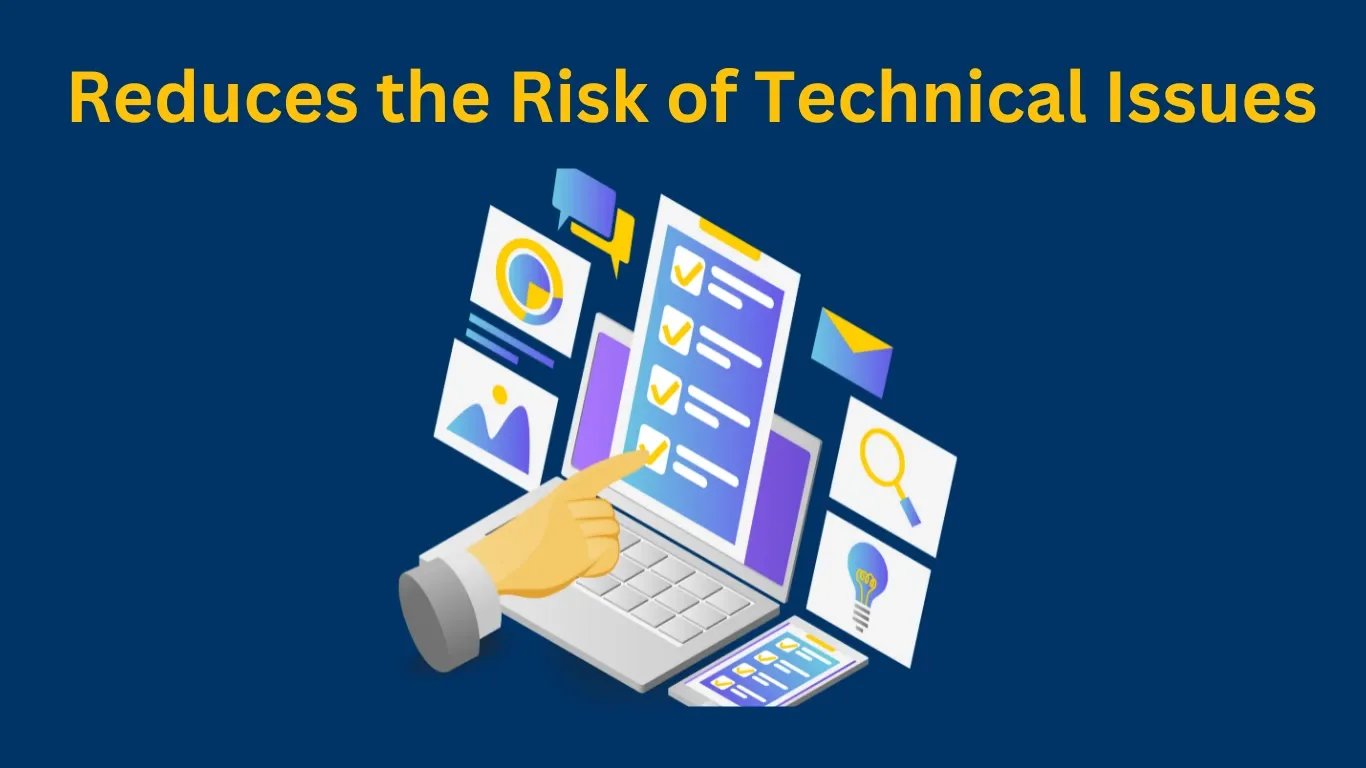
A stable internet connection is one of the most crucial aspects of a smooth webinar experience.
No matter how prepared you are, a weak or unreliable connection can lead to delays, poor-quality video, or even complete disconnection.
Why It Matters: A slow or unstable connection can cause choppy audio, pixelated video, or, in the worst case, complete webinar interruption.
These issues will frustrate your audience and diminish your professionalism.
How to Get There: Use a wired connection instead of Wi-Fi to ensure more stability.
Test your internet speed with tools like Speedtest.net to ensure you have enough bandwidth.
Consider having a backup internet source (like a mobile hotspot) in case your primary connection fails.
Pro Tip: Always test your connection at the same time of day that your webinar will be held, as internet speeds can fluctuate depending on usage in your area.
Saves Time During Setup
Having a tech checklist allows you to streamline your webinar setup by giving you a clear roadmap.
Instead of scrambling to find the right software or troubleshooting equipment at the last minute, you can quickly check off each item, ensuring you’re fully prepared.
Why it matters:
Maximizes Efficiency: A streamlined process means you can focus on other tasks, such as finalizing your content or preparing for audience engagement.
Eliminates Stress: No last-minute rush helps prevent feelings of overwhelm or panic.
Increases Productivity: Having a structured plan reduces downtime and avoids unnecessary delays.
How to get there:
Create a detailed checklist: List all tech components you need to test and set up.
Prioritize tasks: Focus on critical elements first (e.g., internet connection, microphone, camera), leaving less critical tasks for later.
Test in advance: Perform thorough testing 30 minutes before the webinar, allowing time for adjustments.
Set reminders: Use digital tools (like timers) to ensure you stay on schedule.
Pro Tip: Use digital tools like timers or reminders to ensure that each task is completed on time.
These tools can also help you stay focused and avoid distractions.
Keeps Your Audience Engaged

When technical glitches disrupt the flow of your webinar, it takes away from the audience’s experience.
A tech checklist ensures that everything runs smoothly, allowing you to focus on delivering value and keeping your attendees engaged.
Why it matters:
A distracted or frustrated audience is less likely to stay for the entire session, let alone take the desired action.
A seamless experience keeps them focused on your message and makes them more likely to stick around till the end.
How to get there:
Test interaction features: Ensure that any polls, Q&A sessions, or chat functions are working before the event.
Check audio/visual quality: Clear, high-quality video and sound contribute to a more engaging experience.
Maintain a steady connection: Make sure your internet connection can handle the demands of hosting an engaging event.
Include breaks and engagement points: Plan for moments during the webinar to engage with the audience (e.g., interactive polls or Q&A).
Pro Tip: Have a backup plan for engaging your audience if there’s a technical issue.
For example, if your video feed fails, shift to a more interactive Q&A or live chat session.
Reduces Last-Minute Stress

The feeling of panic just before your webinar starts can lead to mistakes.
A tech checklist provides you with a structured plan so you can avoid rushing through last-minute tests.
Knowing that everything is in place helps you remain calm and focused.
Why it matters:
Stress can impact your performance. If you’re distracted by technical issues, you won’t be able to engage with your audience effectively.
Reducing stress allows you to present confidently and clearly.
How to get there:
Test everything early: Start testing tech elements well before the webinar begins to avoid last-minute scrambling.
Create a timeline: Set clear time limits for each task in the checklist, so you’re not rushing.
Set buffer time: Allow extra time to double-check everything, especially for any unanticipated problems.
Stay organized: Keep your checklist visible to quickly identify any remaining tasks.
Pro Tip: Set aside a “buffer time” of 15 minutes before your webinar to double-check all tech aspects and ensure you're fully ready.
Makes It Easier to Scale Future Webinars

Once you’ve established a tech checklist, it becomes a repeatable process for future webinars.
This means you won’t have to reinvent the wheel each time you host an event.
With everything documented, future setups become faster and more efficient.
Why it matters:
Scaling your webinar efforts requires efficiency. By using a checklist, you streamline the setup process, making it easier to host webinars consistently without missing critical steps.
How to get there:
Document your process: Create a digital or physical checklist that you can reuse.
Refine it over time: Based on feedback and experience, update the checklist to improve the setup process.
Analyze past webinars: Review what worked and what didn’t to optimize your checklist.
Standardize the tech stack: Stick to the same tools and platforms for consistency.
Pro Tip: Ask colleagues or team members to review the checklist after each webinar to identify any new steps or areas for improvement.
Improves Professionalism

Having a smooth tech setup signals professionalism.
When everything works as expected—clear audio, smooth video, and no glitches—attendees will view your webinar as well-organized and trustworthy.
This boosts your credibility and enhances your brand’s reputation.
Why it matters:
First impressions count. If your webinar runs smoothly, your audience is more likely to trust your expertise, engage with your content, and take action, whether it’s purchasing a product or signing up for more information.
How to get there:
Invest in quality equipment: Ensure you have a good microphone, camera, and lighting.
Maintain a consistent brand: Use branded graphics and ensure that your platform matches your business image.
Stay organized: Create a plan for how to handle different aspects of the webinar (e.g., troubleshooting, moderation) to ensure smooth execution.
Rehearse: Familiarize yourself with the platform, tools, and your presentation beforehand.
Pro Tip: Use professional-grade microphones and cameras.
The quality of your audio and video will directly impact how your professionalism is perceived.
Provides a Backup Plan

Even with the best planning, things can still go wrong.
A tech checklist ensures you have backup options in place—whether it’s a secondary device, backup internet, or an alternate platform.
Being prepared for the worst-case scenario helps minimize disruptions.
Why it matters:
Having a backup plan allows you to recover quickly if something goes wrong.
This minimizes downtime, keeps your audience engaged, and ensures your webinar continues smoothly, even in the face of technical difficulties.
How to get there:
Have a backup device: Keep a secondary laptop or tablet available with login credentials ready.
Backup internet: Consider having a mobile hotspot or alternate internet connection on hand.
Have a backup platform: Ensure that you’re familiar with an alternative webinar platform (e.g., Zoom, Teams) in case your primary choice fails.
Prepare troubleshooting steps: Document solutions for common technical issues, like software crashes or microphone problems.
Pro Tip: Keep a "tech emergency kit" ready. This could include extra cables, adapters, chargers, and even a mobile hotspot for internet backup.
Conclusion
Hosting a stress-free and successful webinar hinges on your ability to effectively manage all the technical aspects involved.
By implementing a tech checklist, you not only minimize the risk of technical issues but also enhance your overall event experience, giving you more time to focus on what truly matters—engaging your audience and delivering valuable content.
A well-prepared webinar reflects professionalism and builds trust with your audience, ultimately leading to higher levels of engagement and improved outcomes.
The importance of a seamless setup cannot be overstated: it ensures that your audience stays focused, your message is communicated effectively, and the likelihood of a smooth, productive session increases.
By following the steps laid out in this blog, you can streamline your webinar preparation, reduce stress, and create a more polished, professional experience that leaves a lasting impression on your attendees.
Over time, as you refine your checklist and processes, hosting webinars will become a natural and efficient part of your business growth strategy.
Moreover, the ability to scale your webinars without sacrificing quality is a key benefit of this approach.
With a solid tech checklist in place, you’ll be able to effortlessly manage future events, consistently improving each time.
A backup plan is also essential to handle any unexpected disruptions, ensuring that no matter what, your webinar can continue smoothly.
Having a tech checklist not only gives you peace of mind, but it also sets you up for long-term success.
When you integrate all of these benefits, you'll find that hosting webinars becomes an efficient, low-stress task that you can scale to meet the needs of your growing audience.
So, if you're ready to optimize your webinar hosting experience, start by building your own tech checklist today.
Over time, you'll notice the improvements—fewer technical difficulties, more professional presentations, and a more engaged audience—all of which lead to greater success and business growth.
Start preparing now, and take your webinars to the next level!
Frequently Asked Questions
A tech checklist is crucial because it helps ensure that all the necessary components—like your internet connection, audio, video equipment, and webinar platform—are working smoothly before you start. By checking these elements in advance, you can avoid unexpected disruptions, which could negatively impact your presentation.
Your tech checklist should cover all aspects of the webinar setup. This includes testing your internet connection for speed and reliability, checking your microphone and camera quality, ensuring that the webinar platform is set up properly, and confirming that interactive tools like polls and Q&A are functioning.
It’s recommended to start preparing at least an hour before your webinar begins. This gives you enough time to test each piece of equipment thoroughly, fix any potential issues, and ensure everything is working as expected. Starting early also allows you to have a buffer to make last-minute adjustments, ensuring that you are completely prepared and avoiding the panic of rushing right before the webinar starts.
If a technical issue arises during your webinar, the most important thing is to remain calm and handle it quickly. First, use your backup plan—whether that’s a secondary device, an alternative internet connection, or switching to another platform.
To prevent audio issues, make sure to test your microphone and speakers in advance. Using a quality headset or an external microphone typically results in better sound than built-in laptop mics. Check the audio levels before you start, and ensure there’s no background noise that could disrupt your presentation.
In case your internet connection fails during a webinar, it’s helpful to have a mobile hotspot or a secondary internet source available. Before the webinar, make sure you know how to quickly switch to another device or reconnect using an alternative network.
To ensure smooth video, invest in a good quality webcam and test it beforehand to make sure it’s functioning properly. Proper lighting is also important—natural light or soft, adjustable lighting can prevent shadows and create a professional look. Test the video feed before the webinar starts to make sure it’s clear, and ensure you have adequate bandwidth to handle streaming without lag.
Yes, once you create a tech checklist, it becomes a reusable tool for every webinar you host. As you gain experience, you can refine the checklist and make adjustments based on your past sessions. This consistency helps save time and reduces the likelihood of missing any critical elements when preparing for future webinars, making the process more efficient and stress-free as you continue hosting events.
If you encounter technical issues during the webinar, it’s important to quickly shift to alternative engagement methods. You can use interactive features like Q&A sessions, live polls, or open discussions to maintain attention while the problem is being resolved.
To scale your webinars while maintaining quality, establish a standardized tech checklist and use the same platform and tools for each event. Over time, this will streamline the setup process and help you get faster at preparing. Additionally, review feedback from each webinar to fine-tune your process and improve it for future sessions.
